Dataset Info Panel
The Info panel shows technical details about the loaded dataset. Press i from the main view to open it. Esc or i closes it.
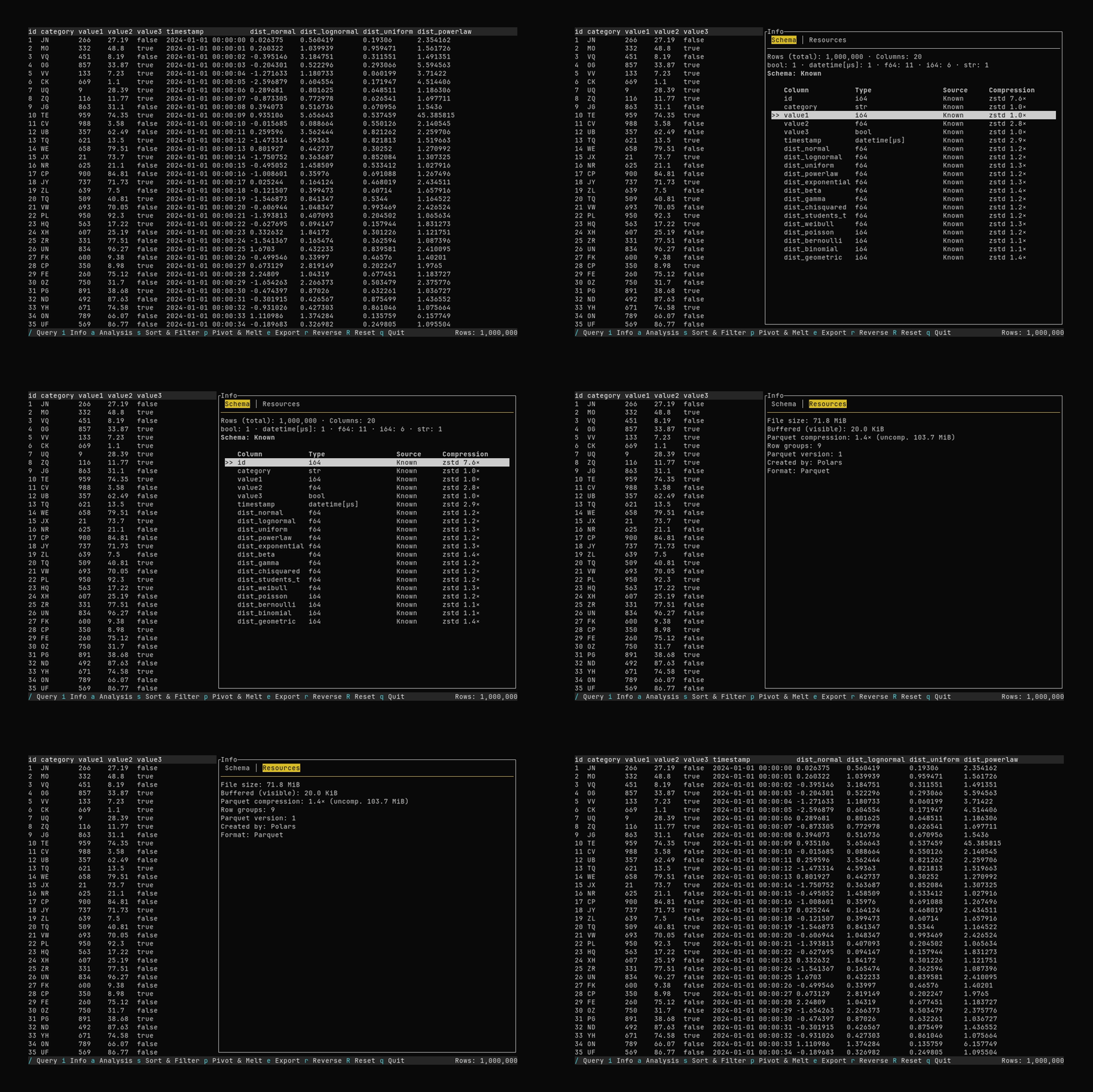
Navigation (when the panel is open):
- Tab / Shift+Tab: On the Schema tab, move focus between the tab bar and the schema table. On the Resources tab, focus stays on the tab bar.
- Left / Right: On the tab bar, switch between Schema and Resources.
- ↑ / ↓: When the schema table has focus (Schema tab), scroll the column list and change the selection. The first row is selected by default when the Schema tab is active.
Tabs
Schema
- Rows (total) and Columns: Size of the full dataset (not the visible slice).
- Columns by type: Counts per data type (e.g.
Int64: 3 · Utf8: 2). - Schema: Known / Inferred: Parquet uses a stored schema (Known); CSV and JSON infer types (Inferred).
- Column table: Name, type, source, and for Parquet files optionally Compression (codec and ratio per column).
Resources
- File size: Size on disk (when loaded from a file).
- Buffered (visible): Estimated memory of the currently buffered slice (not the full dataset).
- Parquet: Overall compression ratio, row groups, version, and Created by when available.
- Format: Detected format (CSV, Parquet, JSON, NDJSON).