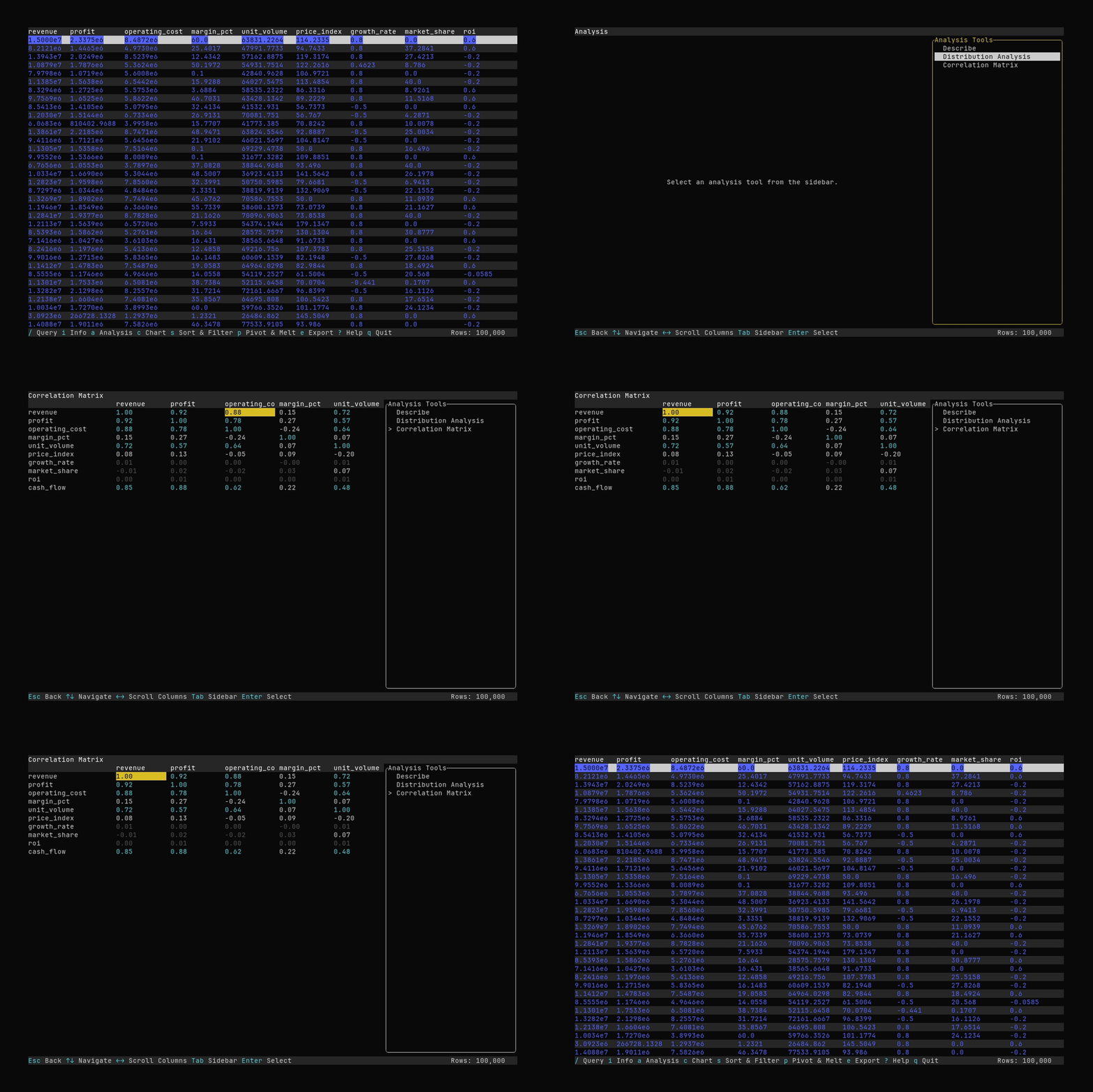
Analysis Mode
Use Datui to get insights about your data.
If you configure a sampling threshold (see Configuration), analysis uses a subset of the data when the dataset is large. In that case the tool shows “(sampled)” and you can press
rto resample.By default, analysis uses the full dataset (no sampling).
Starting Analysis Mode
Open analysis mode using the a key.
See Keyboard Shortcuts for more key bindings.
You will see a collection of tools on the right. Using the Tab key to navigate to the list,
select a tool to analyze your data with. The Describe tool is selected by default.
To exit analysis mode, press the Esc key.
Tools
Describe
Displays summary statistics about your data, similar to Polars’ describe.
Distribution Analysis
- Compares your data against a set of hypothetical distributions and suggests the best fit.
- Select a column and press
Enteron it to view a Q-Q plot and a histogram for the column.
Correlation Matrix
Discover the relationships in your data with the correlation matrix tool. Colors are used to note the degree of correlation.