Filtering and Sorting
Open the Sort & Filter dialog with s. The dialog has two tabs:
Sorting demo: 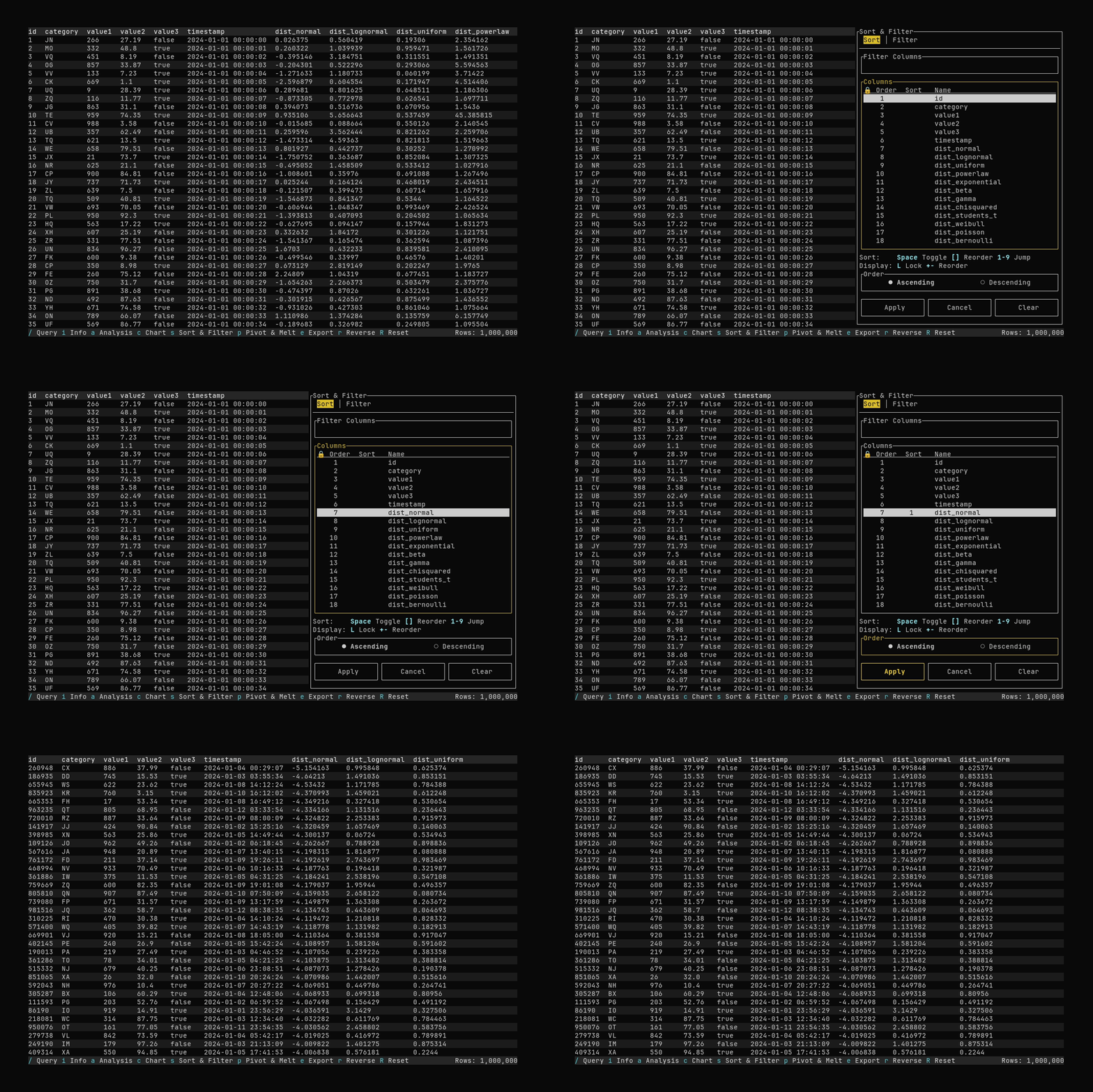
Filtering demo: 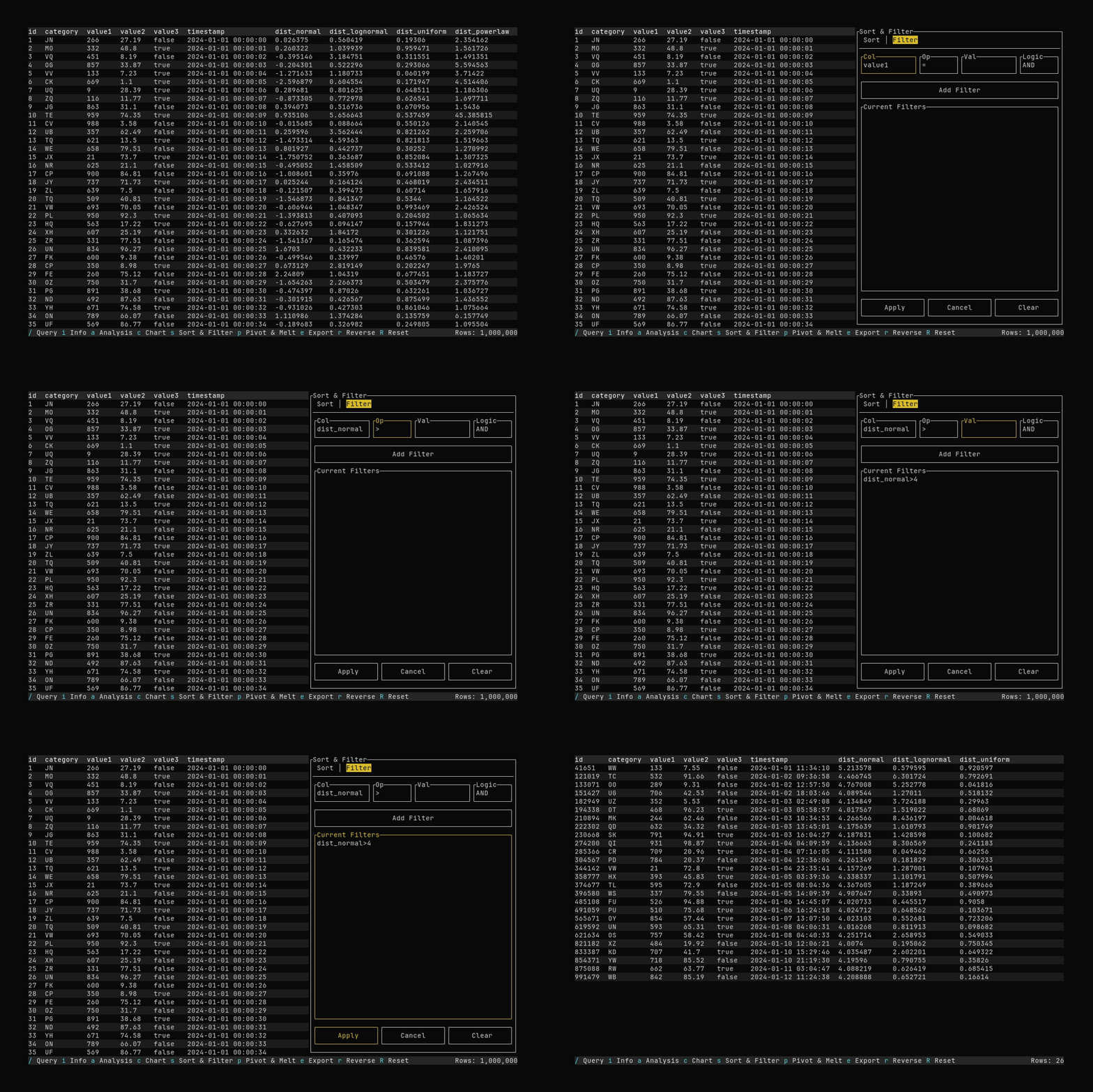
- Sort: Manage column order, sort order, locking, and visibility.
- Filter: Add and manage row filters (column, operator, value).
Use Tab / Shift+Tab to move focus; Left / Right on the tab bar to switch tabs. Apply runs changes and closes the dialog; Cancel closes without applying; Clear resets the current tab.